
Freight Arbitrage
Freight Arbitrage (inside Freight Bills Setup) is a rate-shopping calculator. Before you dispatch a load, use it to compare what each carrier would charge for a route so you can pick the most cost-effective option.
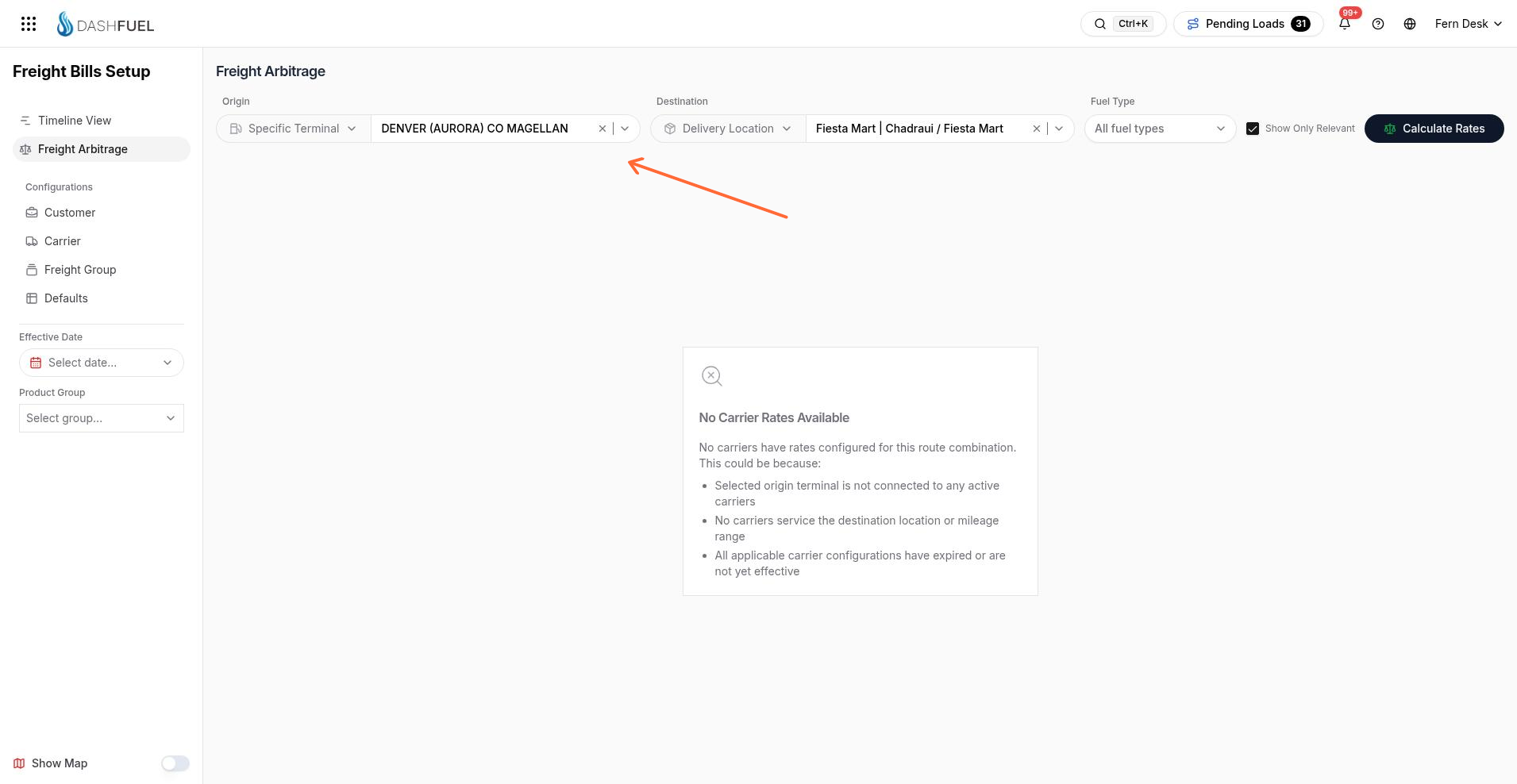
Running a comparison
Choose an Origin — a specific terminal or a terminal group.
Choose a Destination — a delivery location, or simply a mileage figure.
Optionally narrow to a fuel type, and leave Show Only Relevant checked to hide carriers that can't serve the lane.
Click Calculate.
Reading the results
The results table lists each carrier with:
the source of its price — a Site Bid for that exact lane or its Rate Table;
its rate structure (Per Gallon, Per Mile, or Flat Fee), rate, and surcharge; and
the computed freight total for the route.
The cheapest option is tagged Best Rate, and every other carrier shows how much more expensive it is as a percentage. From a result row you can jump straight to creating a load with that carrier, or open the carrier's configuration to adjust its rates.
A map view is available from the sidebar toggle if you'd rather see the route visually.