Freight Bills Setup
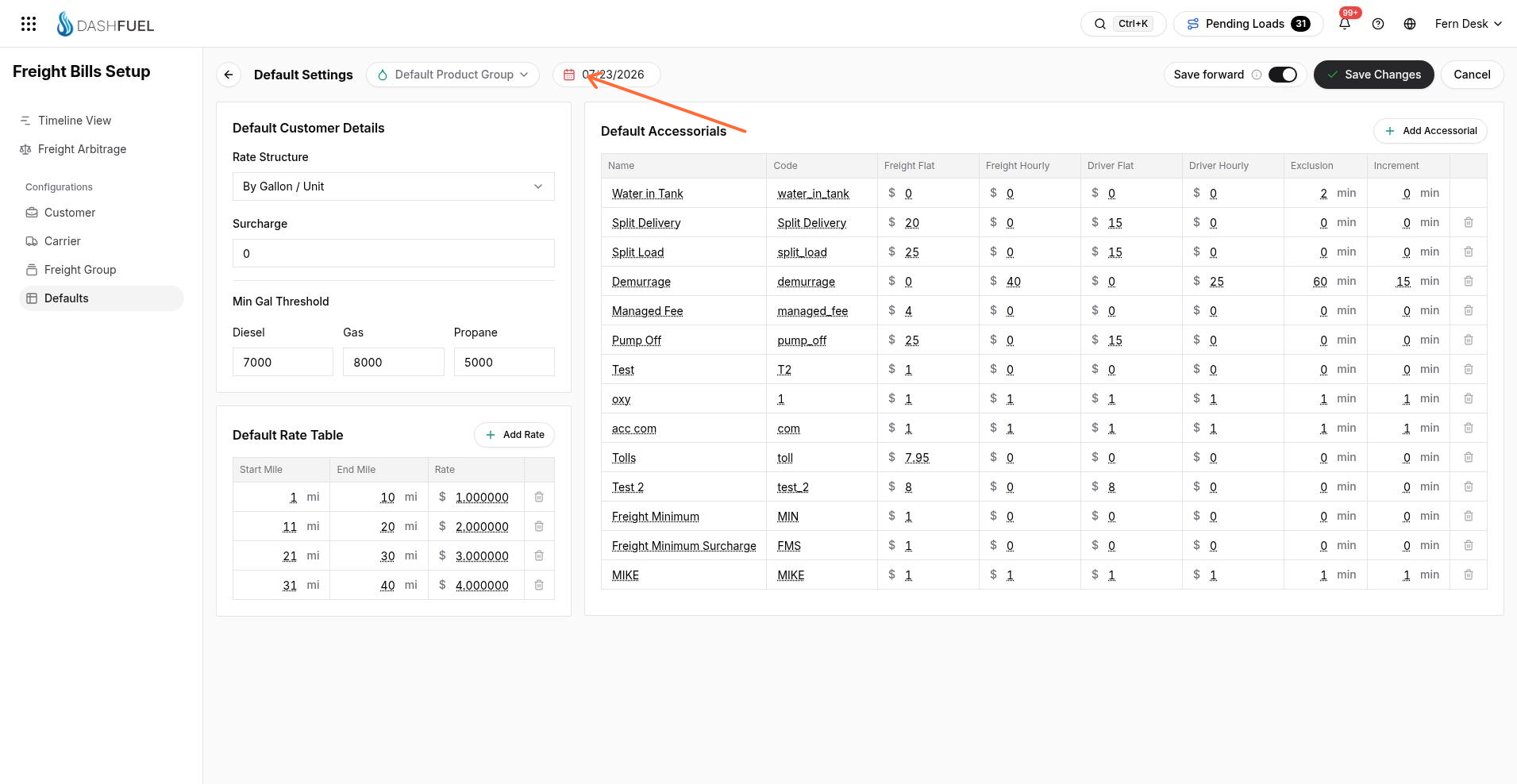
Freight Bills Setup is where you define how every load gets priced. Each customer (or common carrier) gets a configuration that controls its rate structure, mileage bands, accessorials, and site-specific bids — and those rules are what the system uses when it generates a freight bill for a completed delivery.
Open it from the main menu under Company Management → Freight Bills Setup.
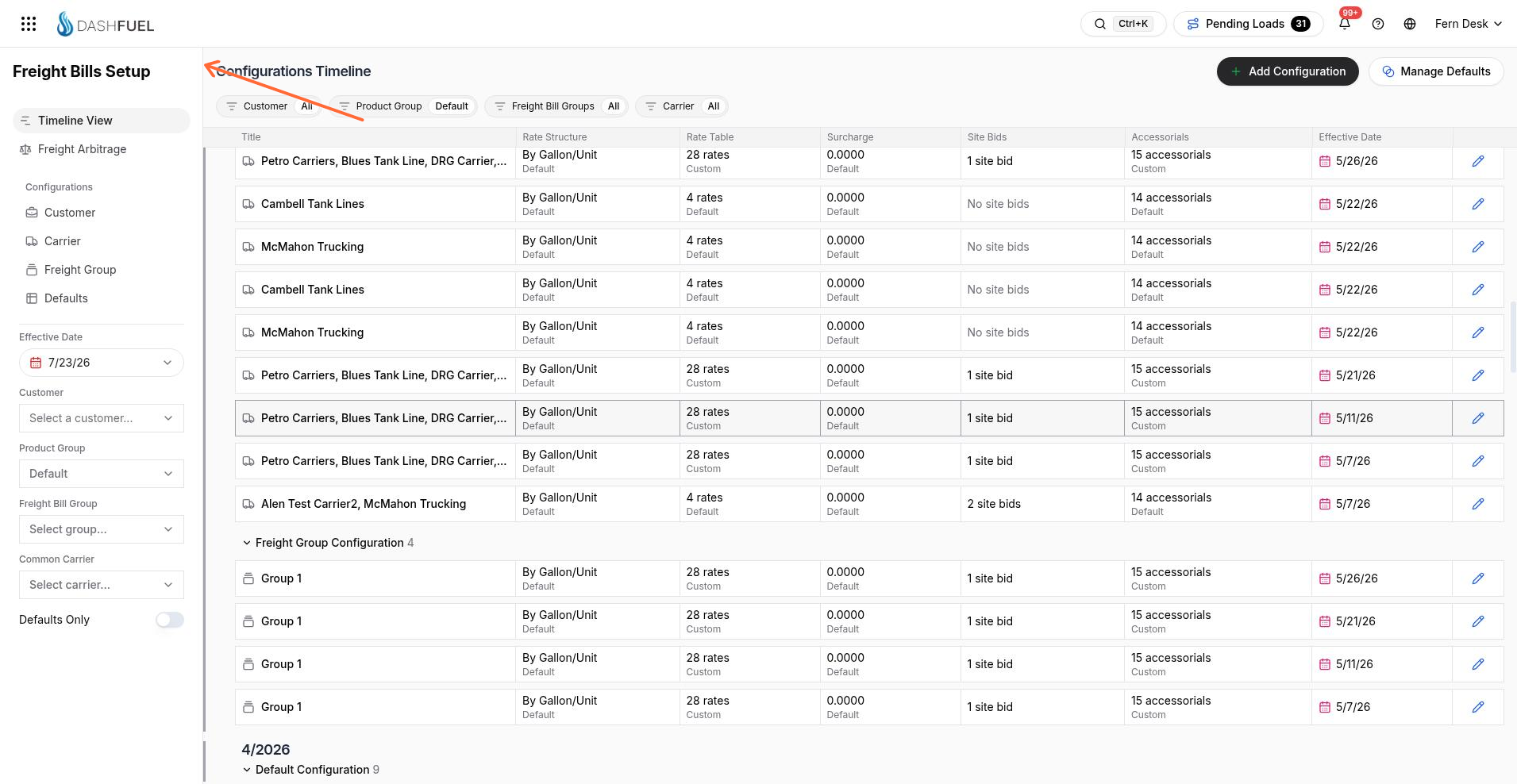
Timeline View
The home screen of Freight Bills Setup is a Timeline View of every configuration, grouped by the month it takes effect. Use it to see what's active now and what's scheduled to change.
Customer configurations
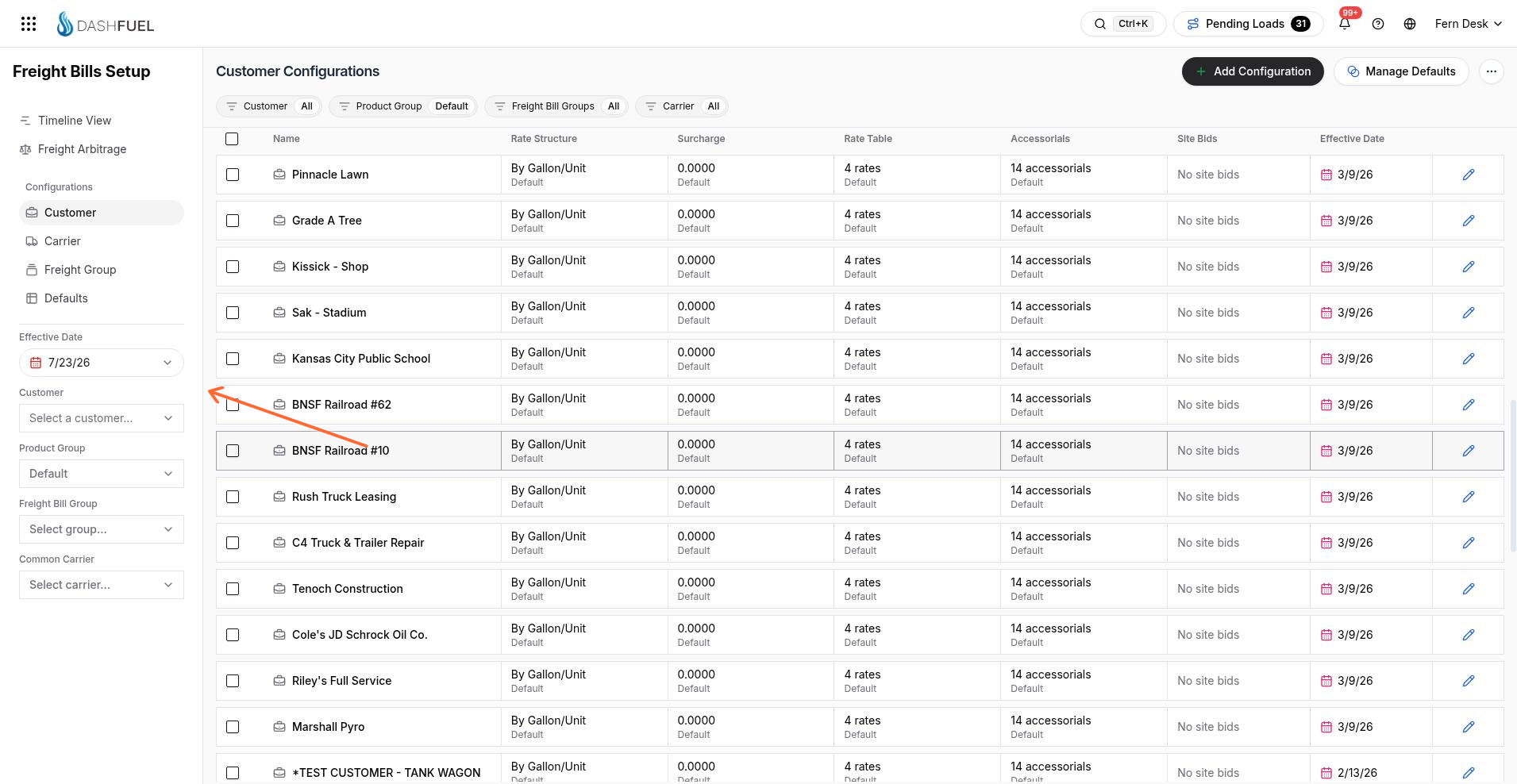
Switch to the Customer list to manage pricing profiles. Each row is one customer's (or carrier's) rate setup. Filter the list from the left side, and use Add Configuration to create a new one or Bulk Surcharge Update to change surcharges across many customers at once.
A configuration is either Default (inherits the company-wide defaults) or Custom. Opening one shows four sections:
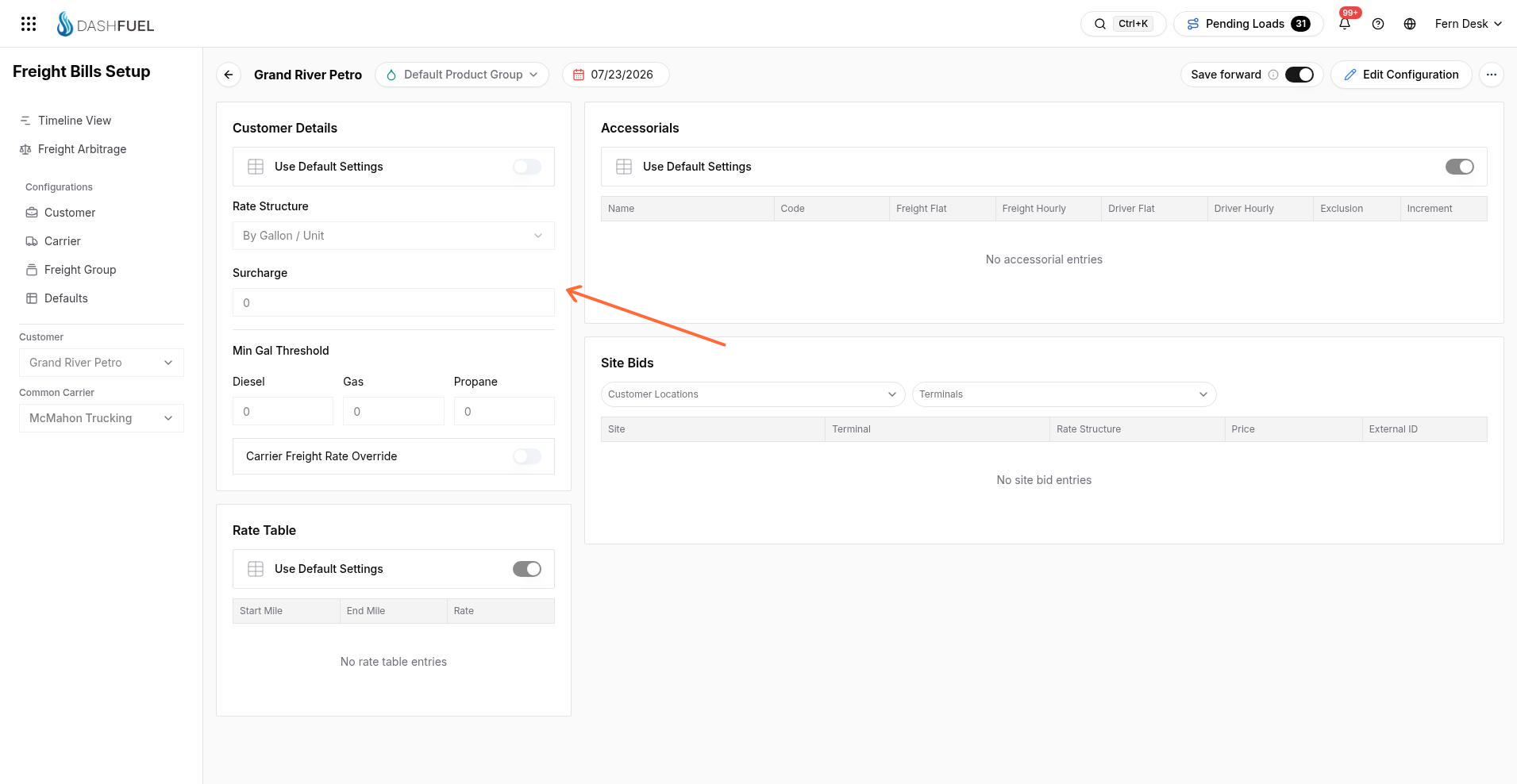
Customer Details — rate structure, surcharge, and the minimum-gallon threshold. Rate structure is one of:
Per Gallon — price × gallons (with a minimum-gallon floor)
Per Mile — price × miles
Flat Fee — a fixed amount per load
Rate Table — mileage bands. Each row sets a rate for loads falling between a start and end mile; the right band is picked automatically from the load's distance.
Accessorials — extra charges layered on top of the base rate (detention, pump charges, stop fees, and similar). Each accessorial has a type, amount, and unit.
Site Bids — fixed rates for a specific terminal + delivery-location pair. A matching site bid overrides the rate table for that lane.
Every section has a Use Default Settings toggle. Leave it on to inherit the company default; turn it off to customize just that section for this customer.
Company-wide defaults
Click Manage Defaults to edit the fallback configuration. New customers start from these defaults, and any section still set to "Use Default" keeps reading from here — so updating a default immediately updates every customer still inheriting it.