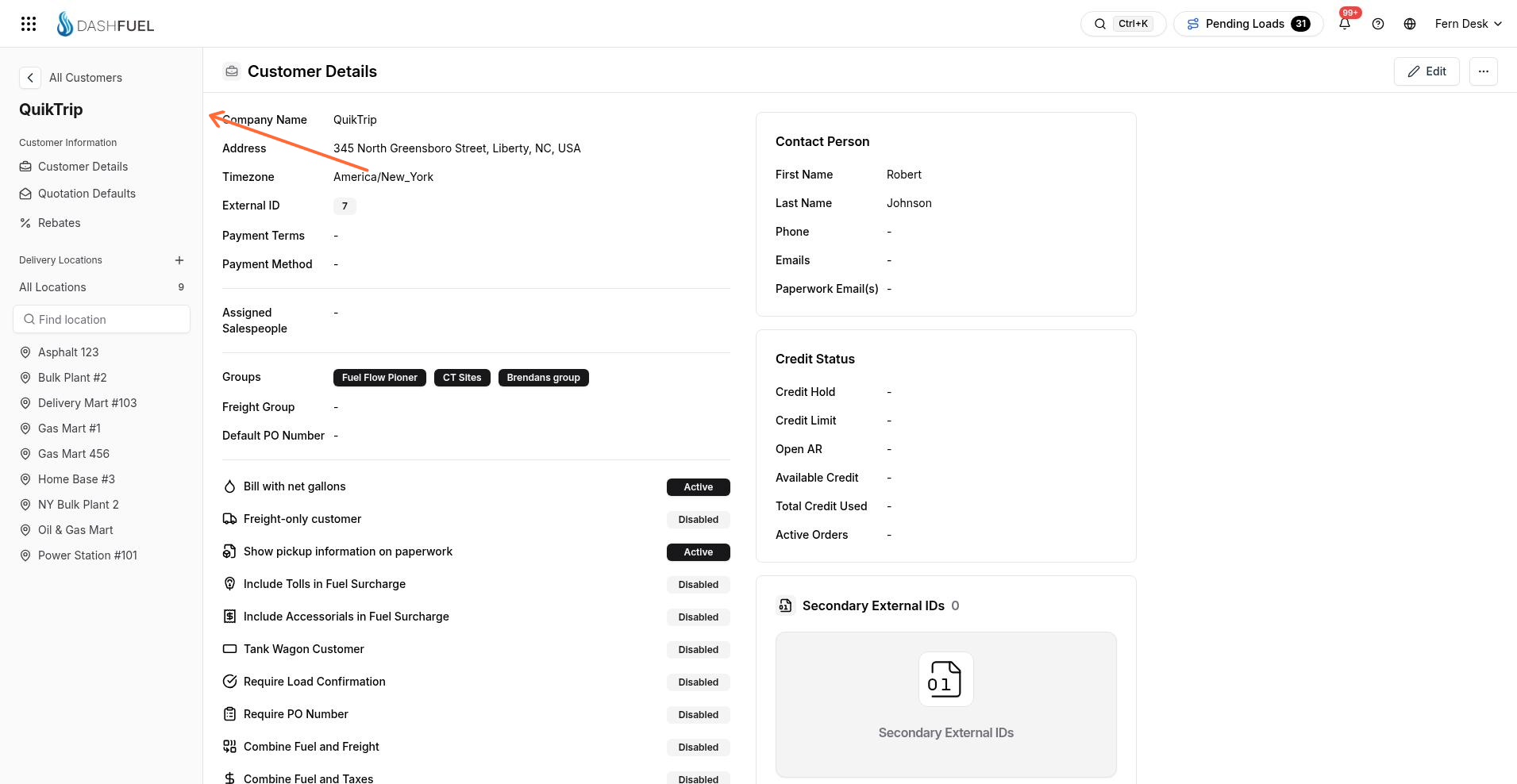
Customer Details
Open a customer to view Customer Details in read mode. Use Edit to change the record, then Save Changes to keep updates or Cancel to leave without saving.
Open Customer Details
Customer Details is the main record view for one customer.
Open the customer so the customer sidebar is available.
Select Customer Details in the sidebar. The page title is Customer Details.
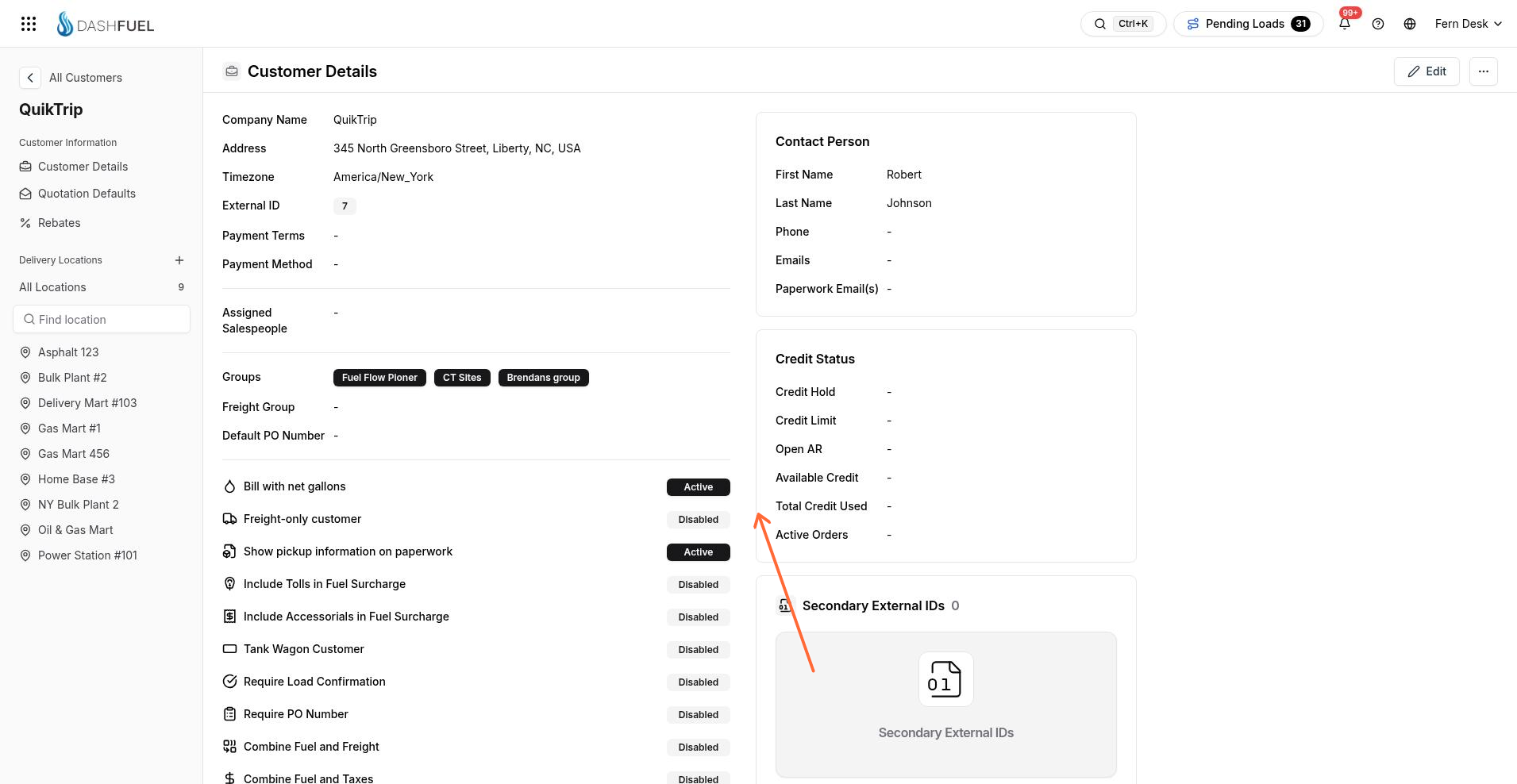
Edit and save
Switch from read mode with Edit, then submit with Save Changes.
Click Edit.
Update the customer fields.
Click Save Changes, or Cancel to leave without saving.
Read mode labels the customer Company Name. The create form uses Customer Name for the same value.
Contact Person emails
Contact Person includes name, phone, and two email lists.
Emails — recipients for invoices and quotes
Paperwork Email(s) — recipients for delivery paperwork
Other sidebar items
Under Customer Information, the sidebar also includes Rebates. Under Delivery Locations, use Add Location and All Locations. For what each location tab covers, see Locations.