
Locations
A delivery location is a customer site where product is delivered. Open a location from the customer’s Delivery Locations sidebar, then use the location tabs to review the site, tanks, delivery rules, rates, taxes, and loads.
To add a site, see Create a customer location. To edit settings on a tab, use the how-tos linked below.
Open a location
From a customer, use Delivery Locations to open a site or add a new one.
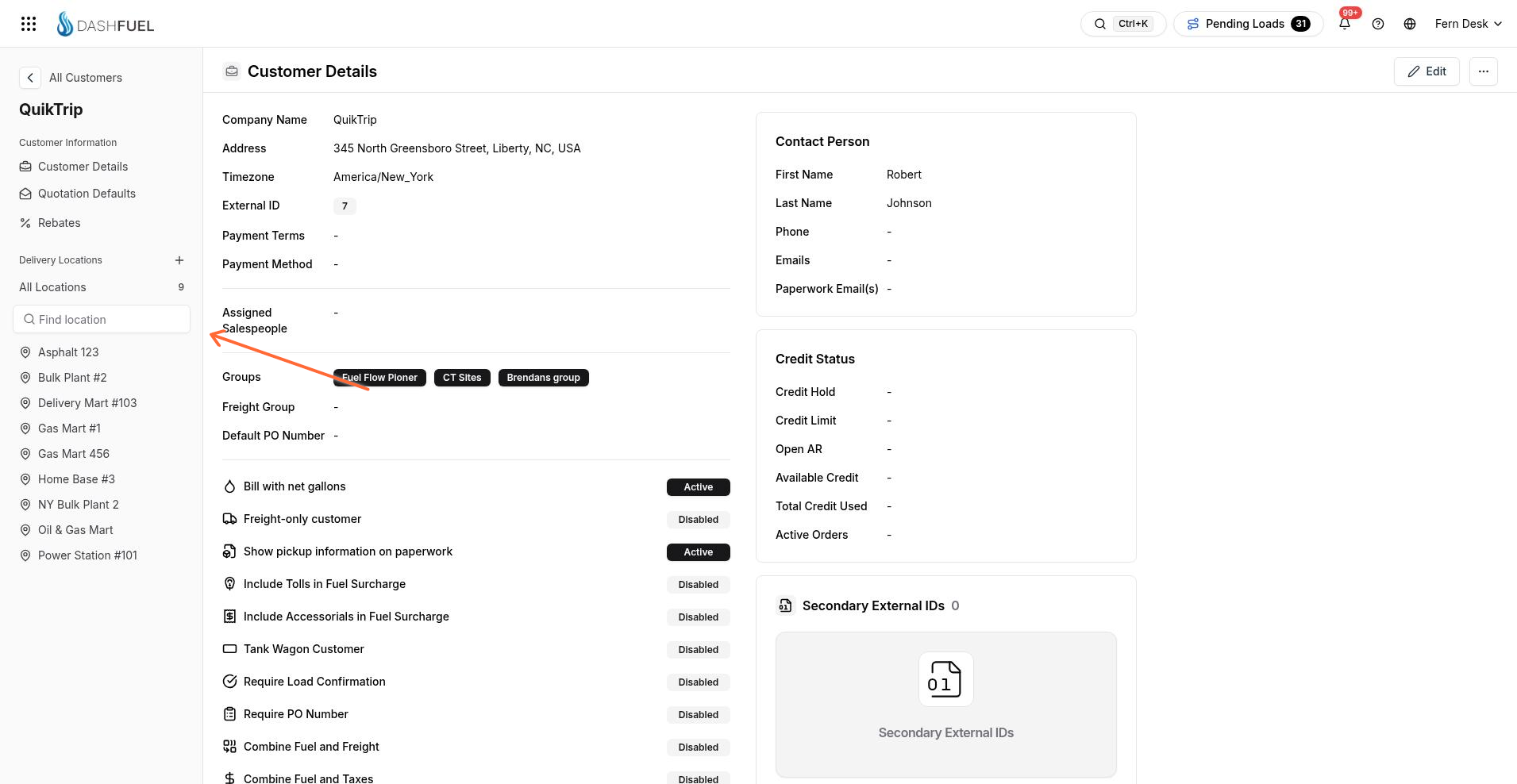
Add Location creates a new site.
All Locations lists every site for the customer.
Select a location name in the sidebar to open it.
Each location has these tabs: Location Details, Tanks & Products, Delivery Window, Site Distance, Site Rates, Tax Exemptions, and Loads.
Location Details
Location Details is the default tab. It shows the site address, coordinates, payment and permit overrides, notes, location flags, contact person, and fuel optimization overrides.
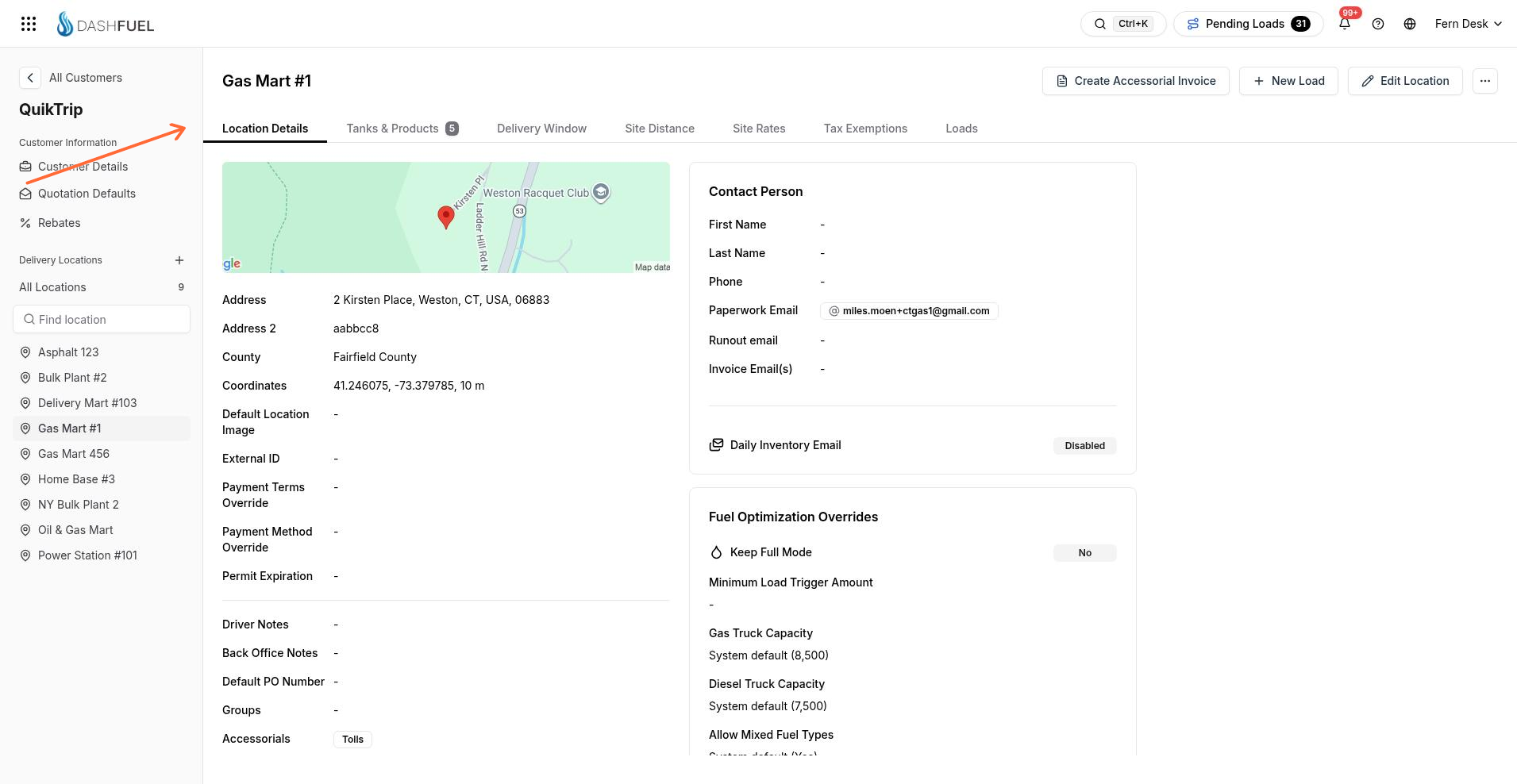
To change these values, select Edit Location, update the form, then Save Changes (or Cancel).
Tanks & Products
Tanks & Products lists tanks at the site. Use Add Tank to create one, or open an existing tank to edit levels and monitors.
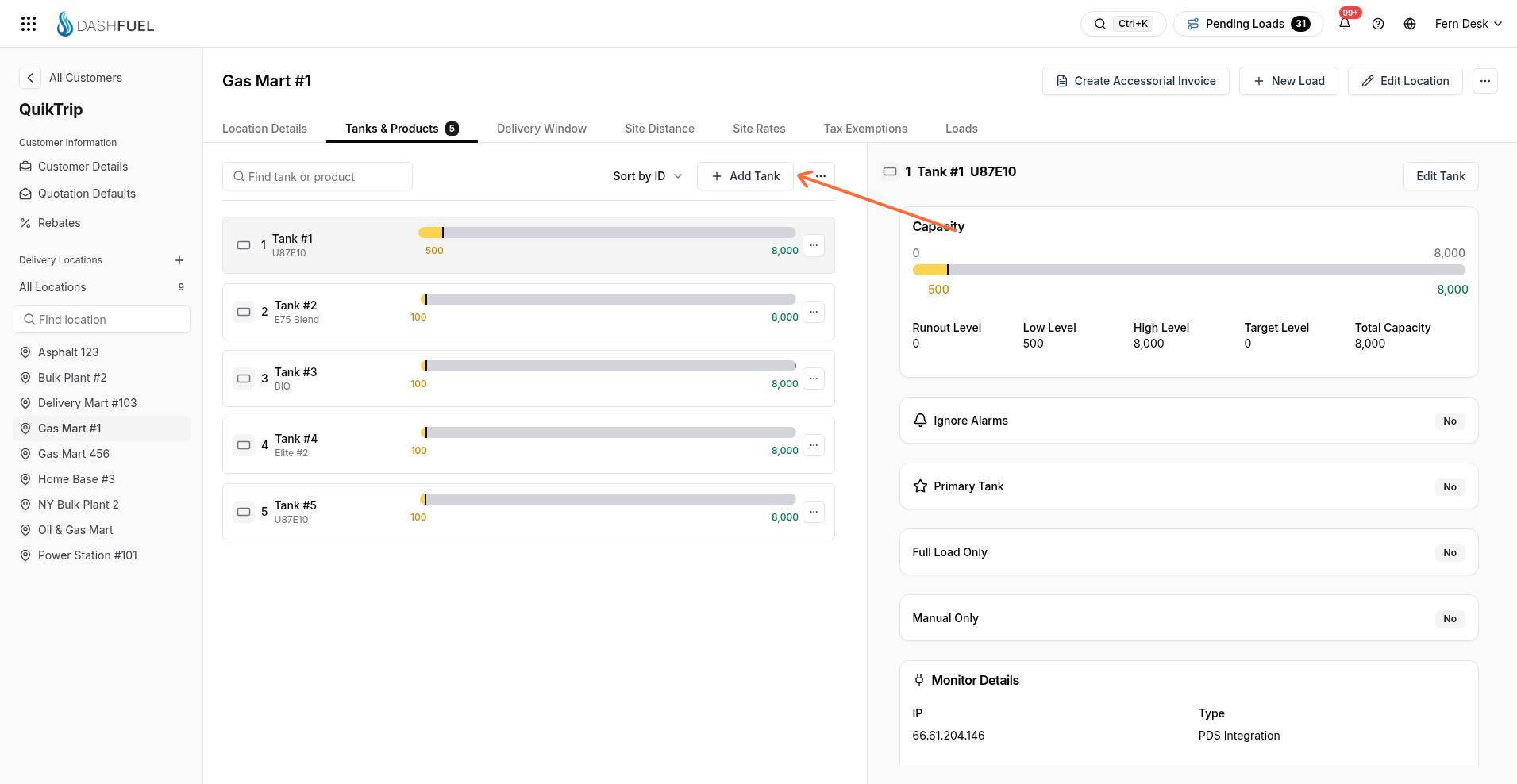
See Create a customer tank, Set tank levels, and Create and assign a tank monitor.
Delivery Window
Delivery Window controls which days and hours the site accepts deliveries, plus preferred times. Enable a weekday, set include or exclude hours, then Save Settings.
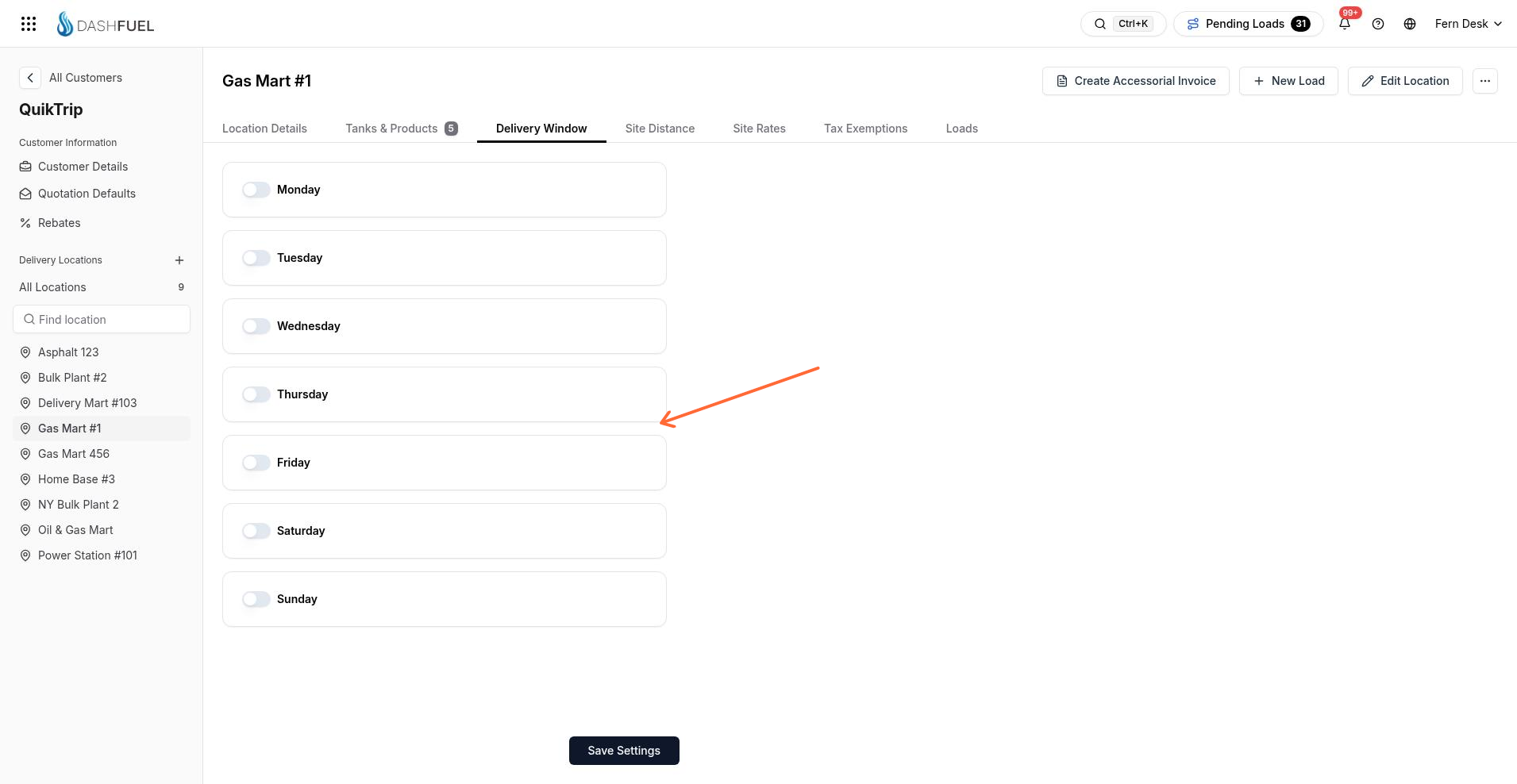
For the full setup steps, see Set delivery windows for a location.
Site Distance
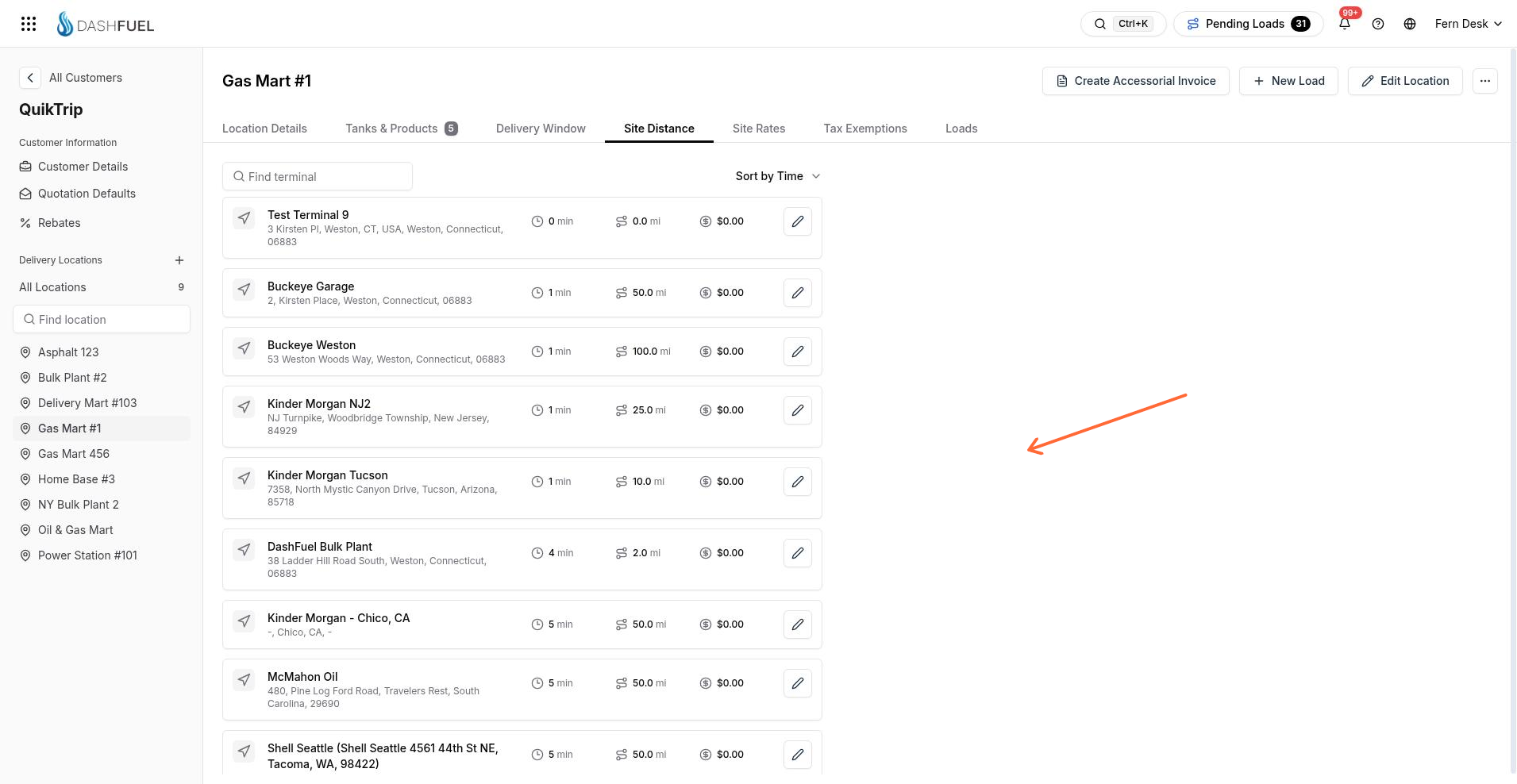
Site Distance stores time, distance, and tolls from terminals to this site. Add or edit values per terminal, then Save Changes.
Site Rates
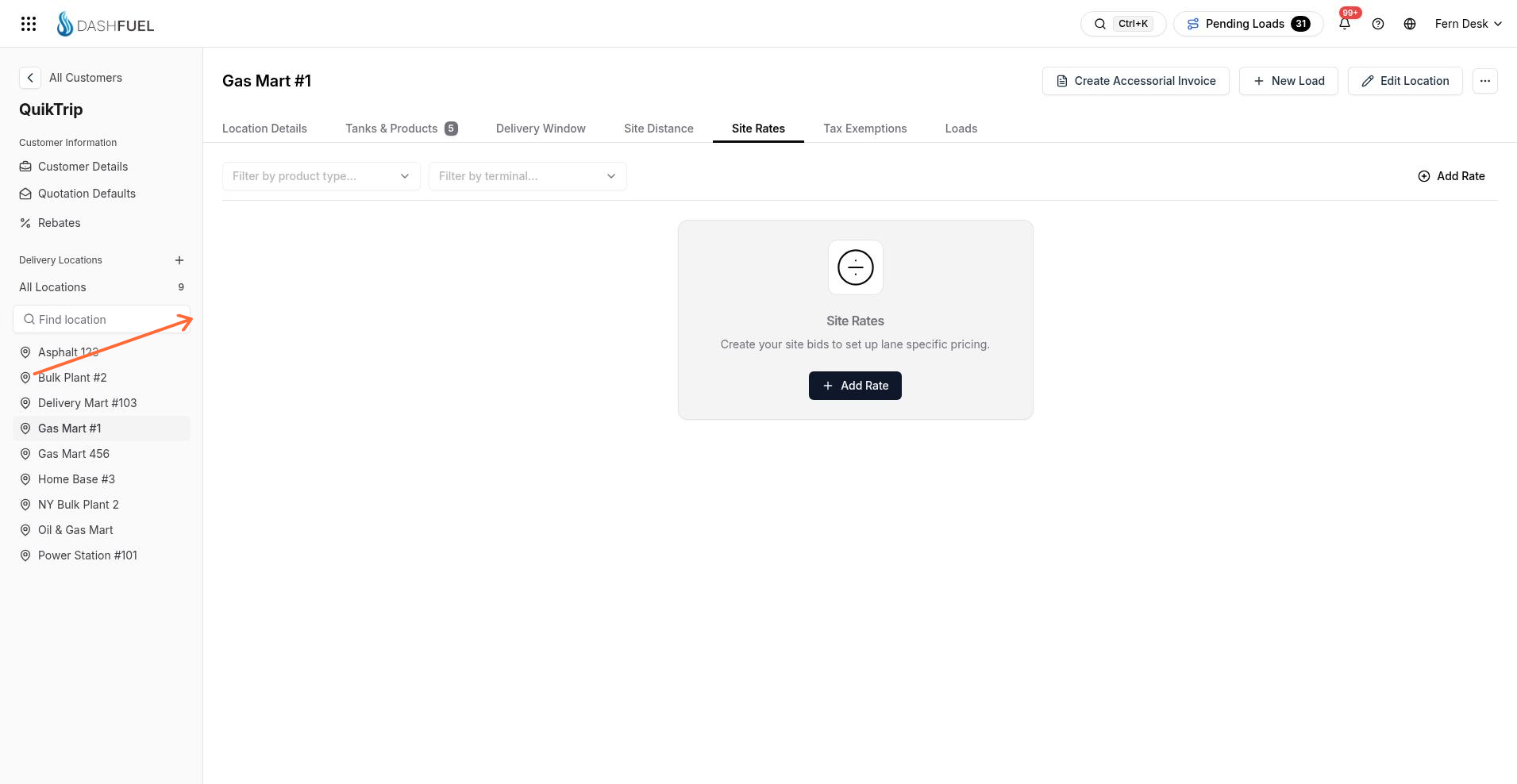
Site Rates holds site bids for this location. Use Add Rate to start a rate; available fields depend on your freight setup. Company freight pricing is also covered in Freight Bills Setup.
See Manage site rates.
Tax Exemptions
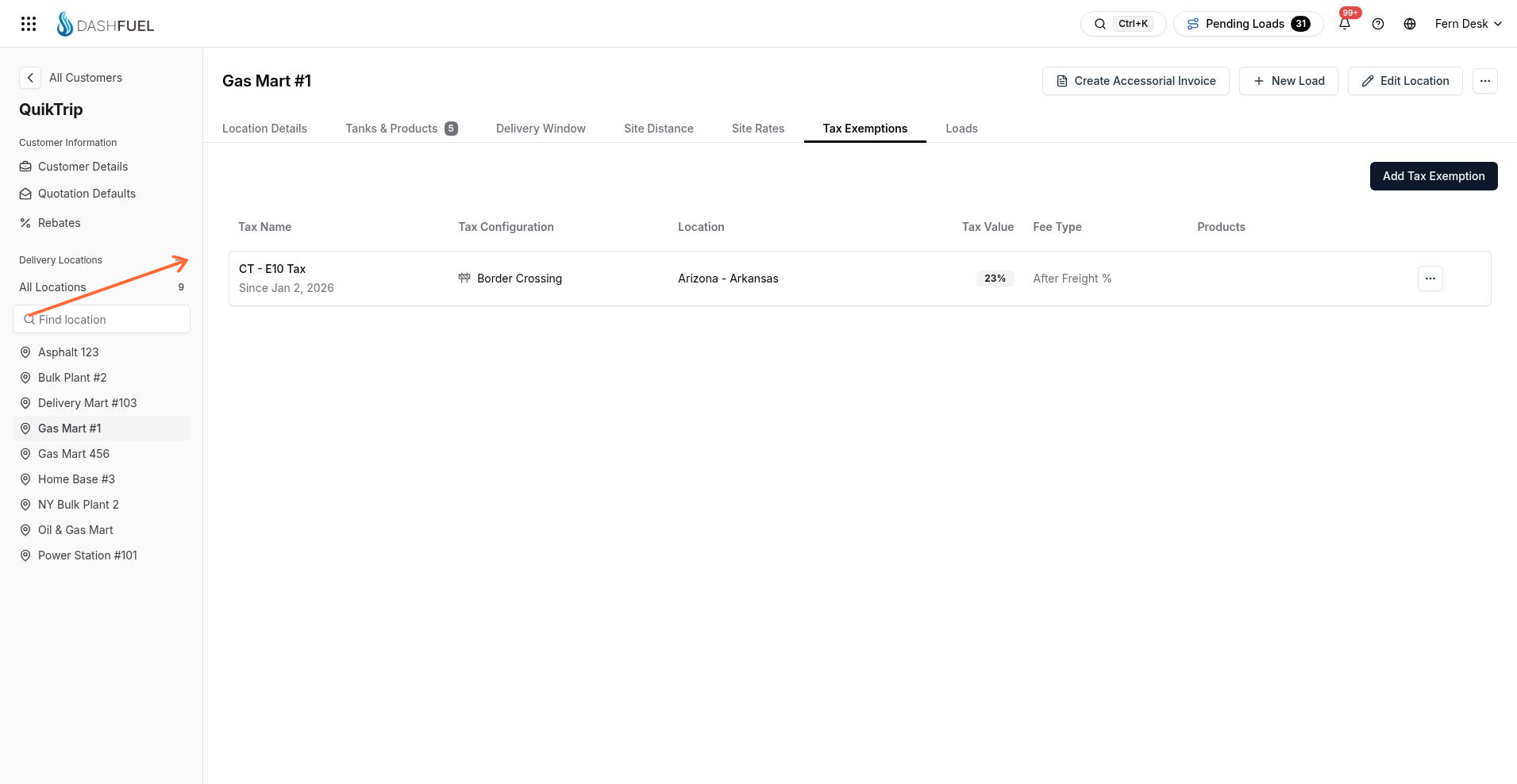
Tax Exemptions lists tax exemptions for the site. Add one with Add Tax Exemption, choose the tax and exemption percentage, then Add. A location can have only one exemption per tax.
See Add tax exemptions.
Loads
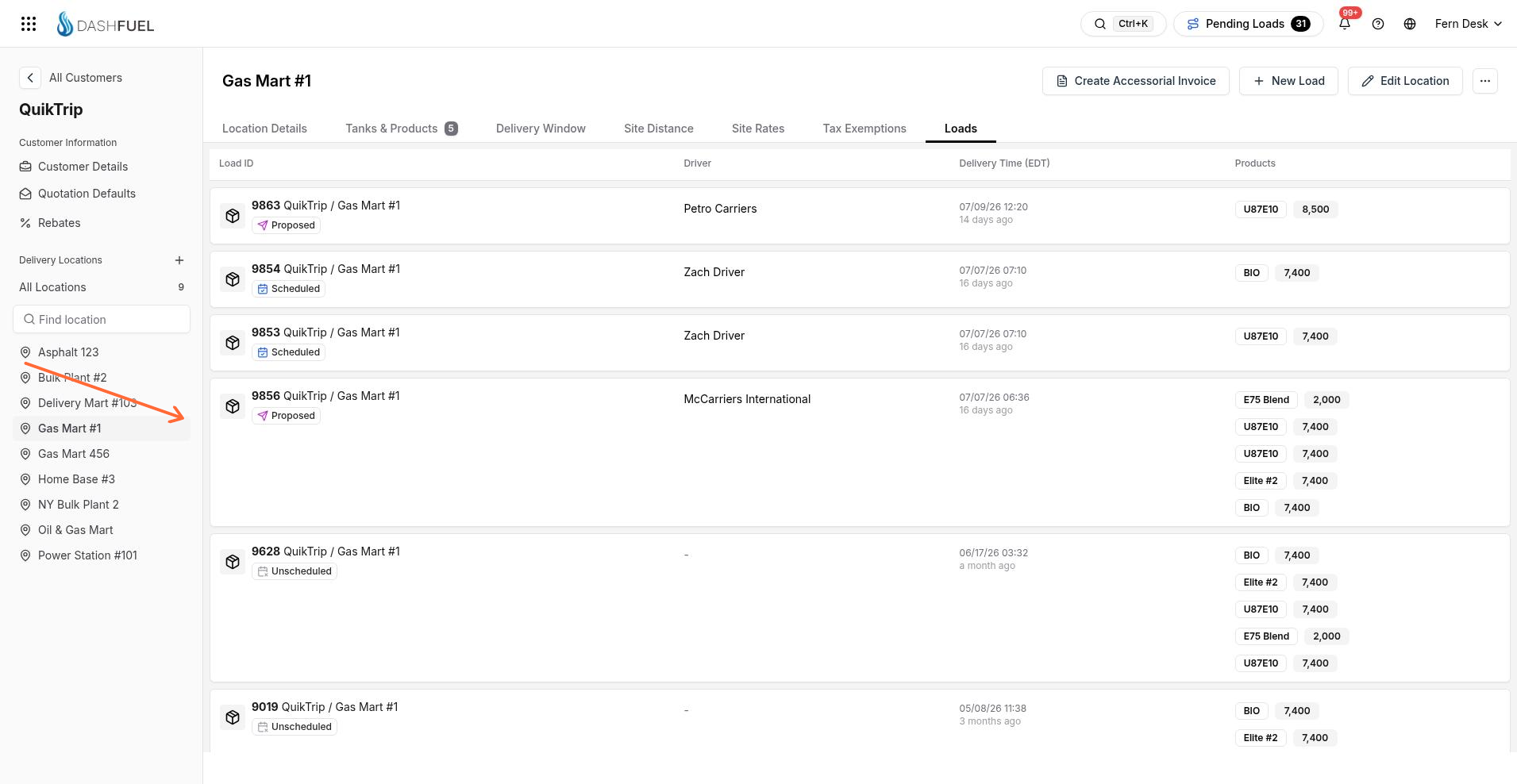
Loads shows loads for this location. When create is available, use New Load to start one for the site.
See View location loads and Creating a Load.