
Manage customer rebates
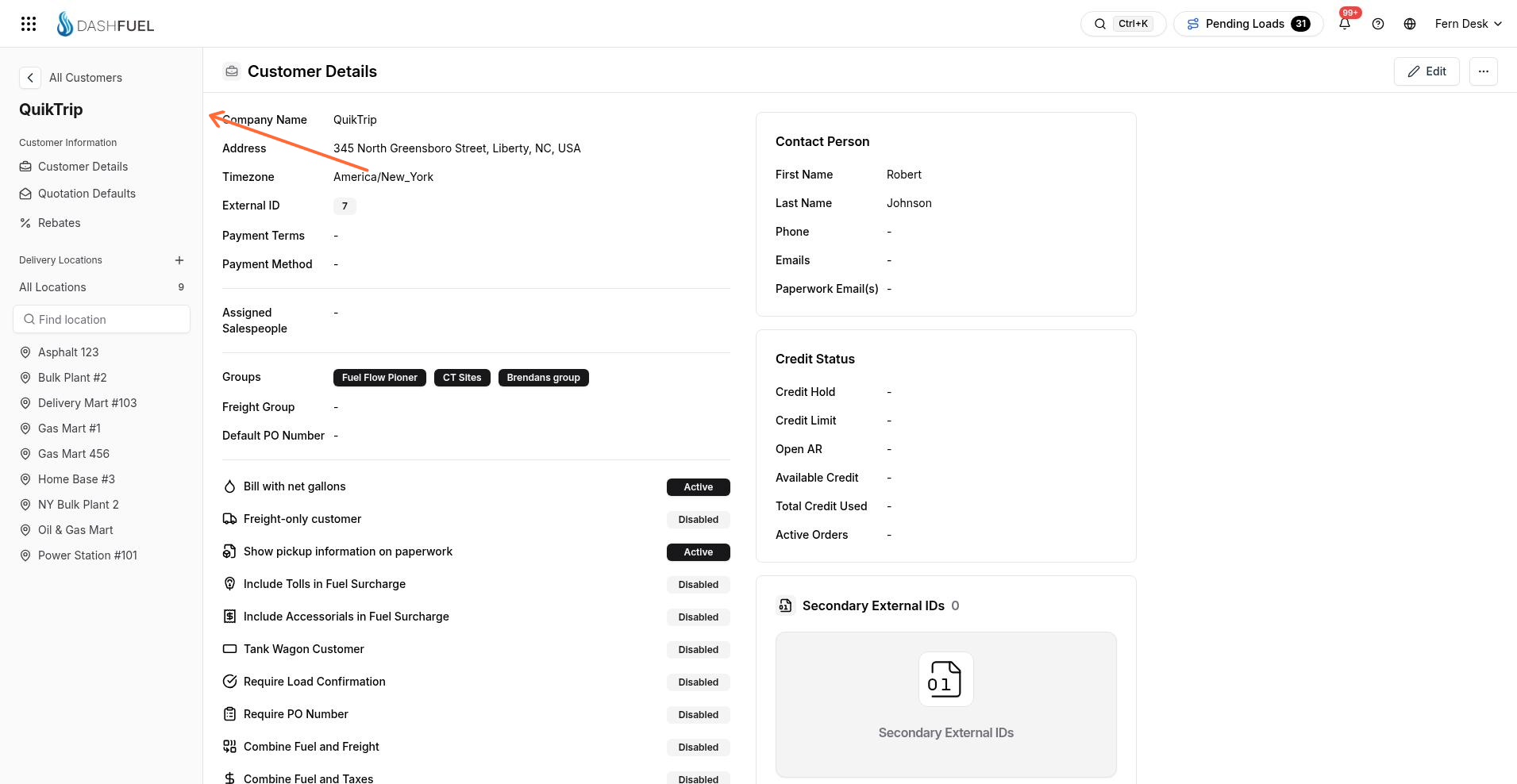
Open Rebates from the Customer Information sidebar on an existing customer to view and edit that customer’s rebate rows.
Open rebates
Rebates are available when a customer is already open.
Open the customer.
In the Customer Information sidebar, select Rebates.
The rebate editor opens on the same customer page.
Edit rebate rows
Each rebate row ties a product and location to terminals, suppliers, and a rebate amount. Use Remove in the Action column to delete a row from the editor.
Was this helpful?