
Driver Hours
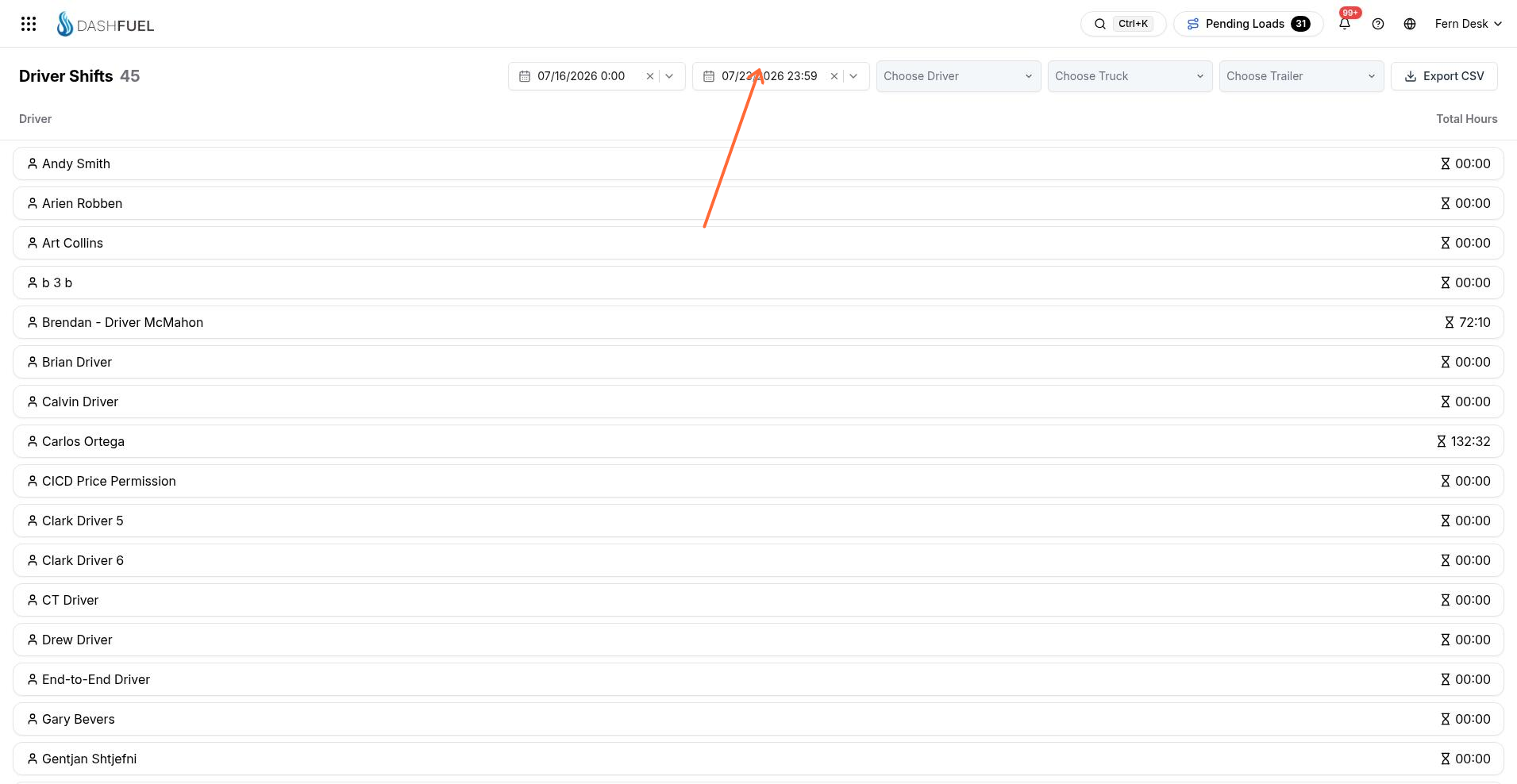
The Driver Hours page (Reports menu) shows each driver's shifts and total hours — the time record behind hourly pay and per-shift pay rules.
What a shift is
A shift is the continuous work period between a driver's start-of-day and end-of-day checklist submissions in the driver app — there's no separate clock-in to manage. Shifts also anchor the pay engine's per-day and per-shift rules (flat day pay, daily minimum floors, weekend premiums).
Reviewing hours
Filter by date range, driver, truck, or trailer. Each driver row shows their total hours for the range; expand it to see individual shifts with start time, end time, and duration.
Edit a shift (pencil icon) to correct a start or end time — for example when a driver forgot to close out their day.
Inspection issues from the pre/post-trip checklists are flagged on the shift ("Unresolved Issues" / "Issues Resolved"), so hours review and inspection follow-up happen in one place.
Exporting
Export CSV downloads the filtered hours, with durations available as decimal hours or hours:minutes — ready for a payroll or HR system.